Canva Pro can feel like a maze with too many tabs and options you barely use. You want your brand looking sharp without turning every Tuesday afternoon into a design marathon. Let’s cut through the noise: setting up a clean Canva Brand Kit and focusing on a handful of Canva templates actually makes a difference. Plus, there’s a way to have your posts scheduled and ready without you logging in every day. Check out how we streamline it all here.
Streamlining Canva Pro for Busy Entrepreneurs
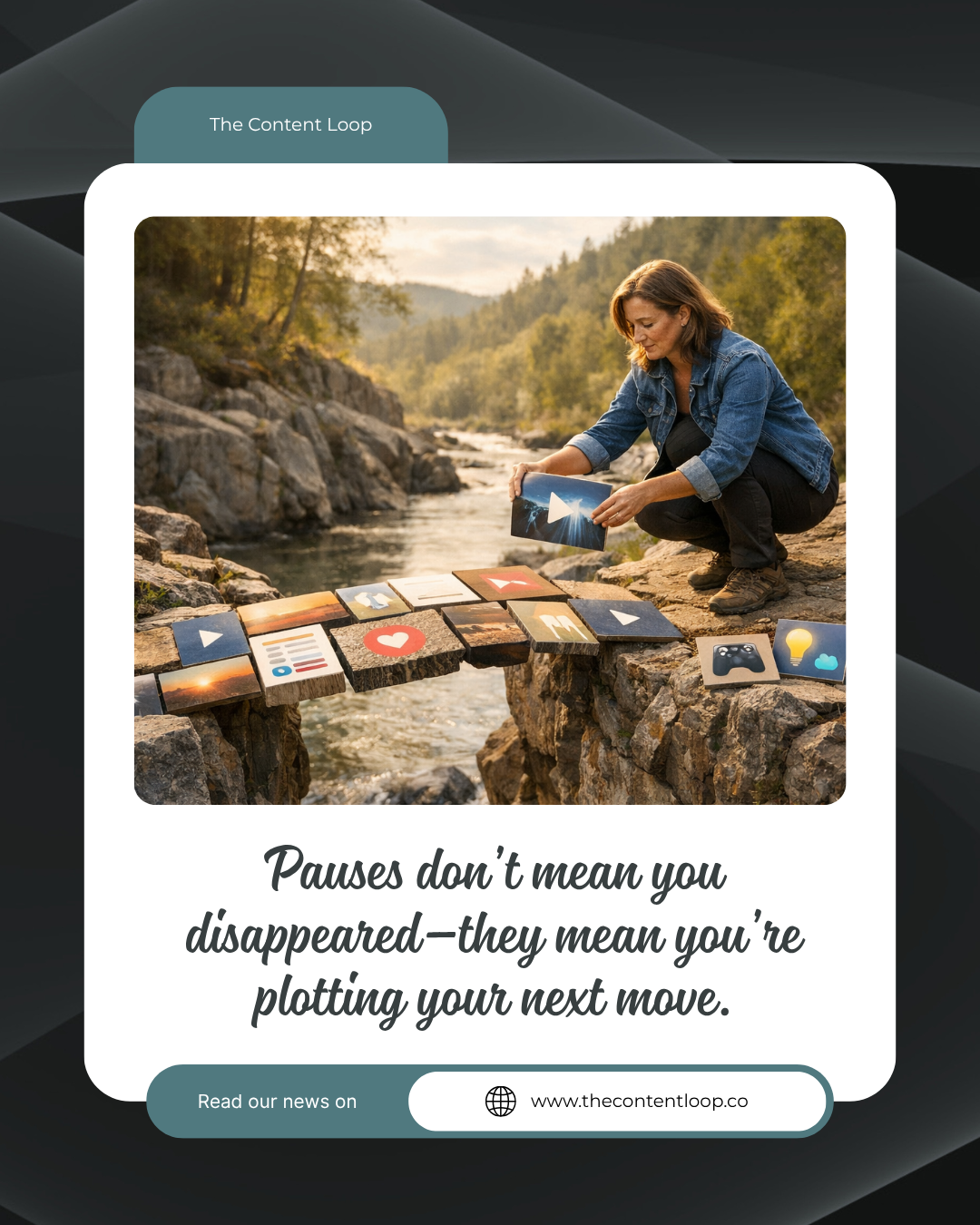
When you’re juggling tasks, Canva Pro can be your secret weapon. But only if you know what to focus on.
Setting Up a Clean Brand Kit
Imagine having all your brand colors, fonts, and logos set up in one place. This simple step saves loads of time. Start by gathering your brand essentials. Open Canva and set up your kit with these items. Now, every time you create, your brand elements are just a click away. This consistency not only makes designing quicker but ensures your brand looks polished. Plus, no more digging through old files to find the right shade of blue.
Simplifying with Canva Templates
Spending too much time on design tweaks? Templates might be your answer. Canva offers an array of ready-made designs. Pick ones that align with your style. By reusing these templates, you keep your visuals consistent. And let’s face it, not reinventing the wheel every time saves brainpower. Plus, templates can be customized. Swap images, tweak text, and you’re done. It’s design, minus the headache.
Magic Resize for Quick Adjustments
Ever wish you could resize a design to fit every platform? With Magic Resize, you can. Design in one size, then use this feature to fit Instagram, Facebook, or a blog header. It’s like magic, but real. This tool keeps your designs consistent across platforms. No more worrying if your Facebook post will fit Instagram. Resize, adjust, and you’re ready to post.
Efficient Design and Scheduling

Once your design game is strong, let’s talk about timing. Consistency is key, but who has time to log in daily to post?
Using Canva Scheduler for Ease
Schedule your posts straight from Canva. Imagine setting up a week’s worth of content in one sitting. This tool lets you prepare and schedule in advance. One less thing on your to-do list. Plus, you can focus on other tasks, knowing your content will go live as planned. Learn more about saving time with schedulers.
Content Repurposing Service Benefits
Stretch your content further. Repurposing means turning one idea into multiple formats. It’s efficient and smart. Take a blog post, and transform it into a series of social media posts. Or turn a video script into an article. This approach not only saves time but amplifies your message. You’re reaching more people without creating from scratch each time.
Consistent Branding Across Platforms
Your brand should feel like home wherever people find you. That means consistent visuals across all platforms. By using Canva’s features, you ensure your brand looks the same whether someone finds you on LinkedIn or Instagram. This builds trust and recognition. When your audience sees your style, they know it’s you. It’s brand identity without the fuss.
Collaborate with Content Loop

Having tools is great, but having a system makes all the difference.
Real Estate Marketing Canva Tips
Real estate agents can shine with the right visuals. Use Canva to craft stunning property showcases. Highlight features with clean templates. Add text overlays for key details. This approach makes properties pop online. And with consistent branding, your agency looks top-notch.
Done for You Content Solutions
Sometimes, you just want it handled. That’s where done-for-you services come in. Imagine handing off your content needs and getting polished pieces back. This frees up your time. You focus on your core work, while experts handle the posting and design. It’s like having an extra set of hands.
Keeping Your Content Calendar Full 🎨
Consistency is king in the content world. But keeping a calendar full can feel daunting. Start by planning your themes for the month. Use Canva to batch-create content. And don’t forget to schedule it in advance. This approach keeps your calendar full without the daily grind. See how to keep your content flowing smoothly.
By focusing on these key features and systems, you make Canva Pro work for you, not the other way around. Now, you can design with ease, knowing your brand will shine across all platforms.


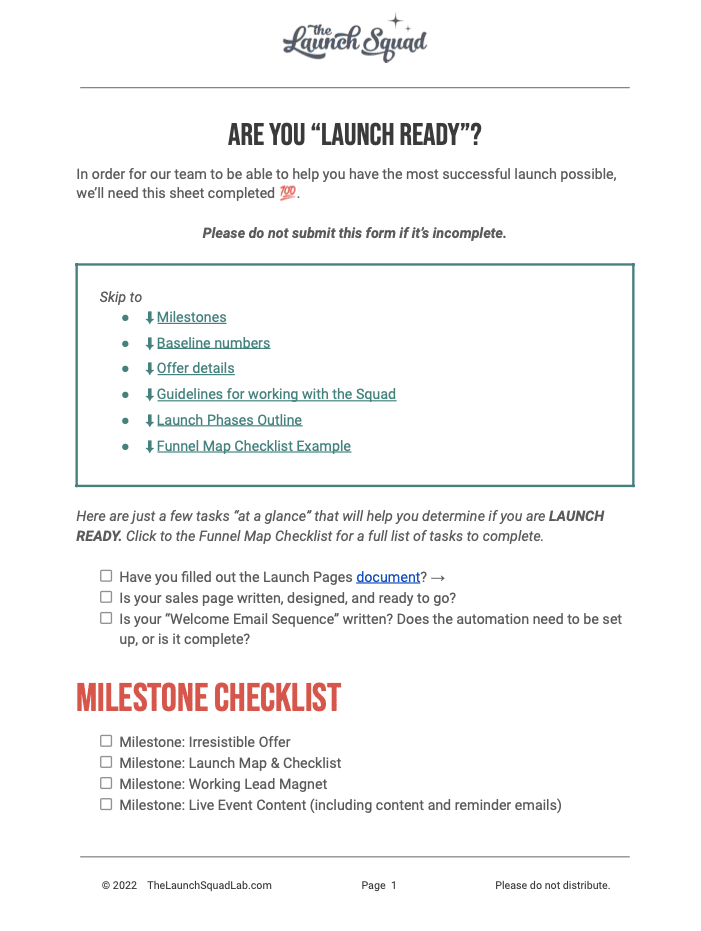


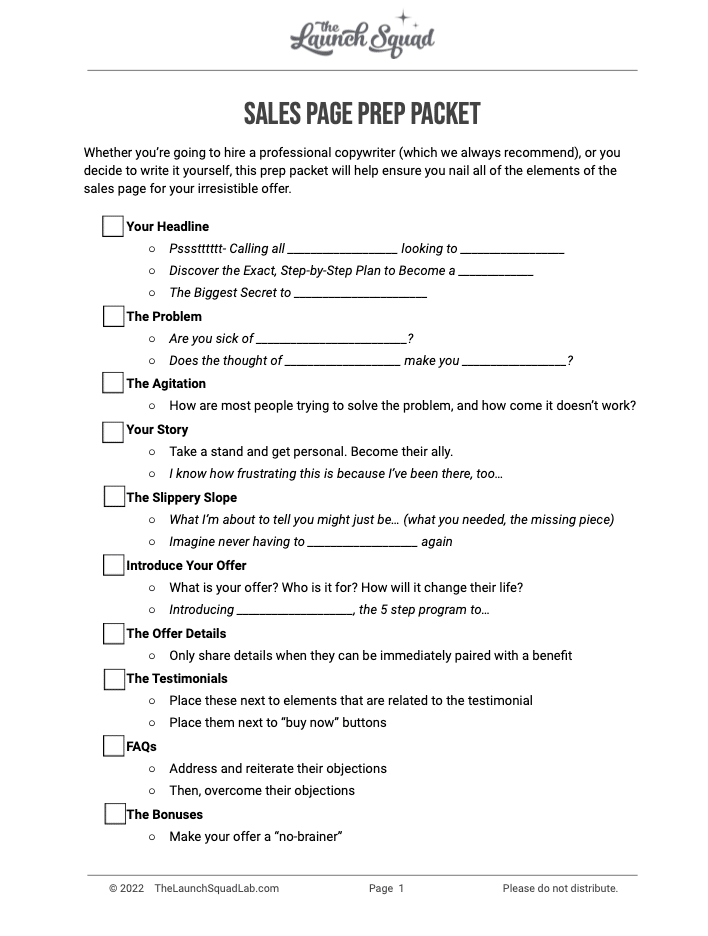
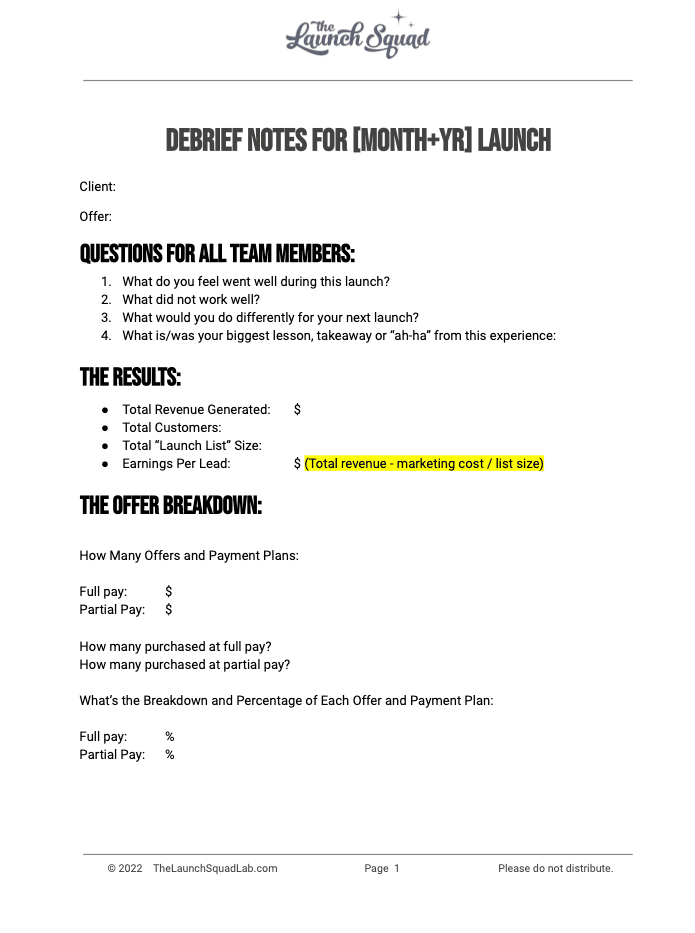

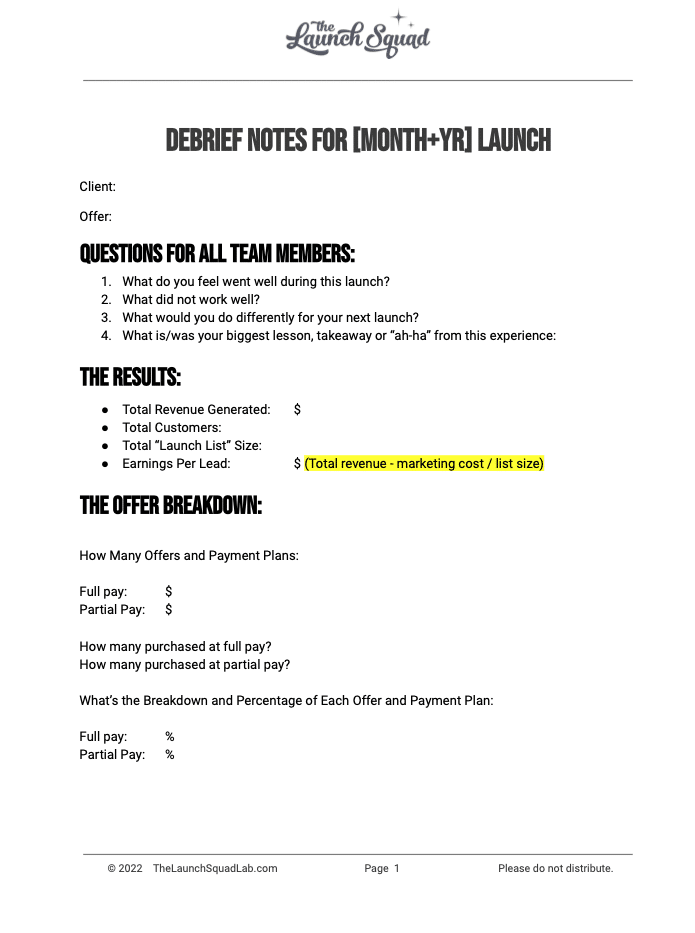
![Marketing Launch Calendar [TEMPLATE]](https://thecontentloop.co/wp-content/uploads/2023/05/Marketing-Launch-Calendar-TEMPLATE.png "Marketing Launch Calendar [TEMPLATE]")
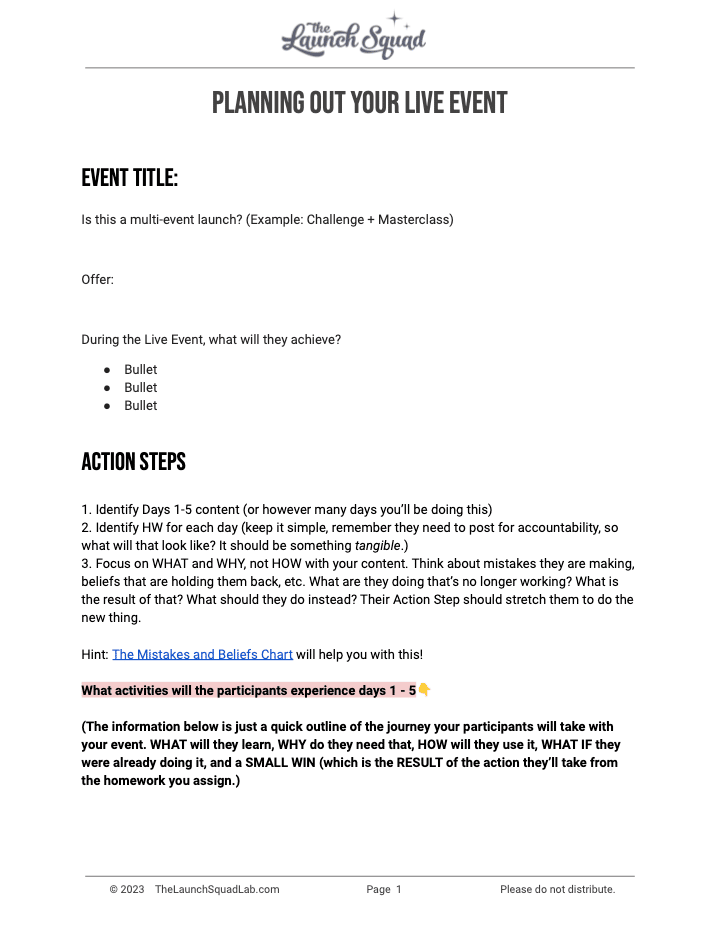
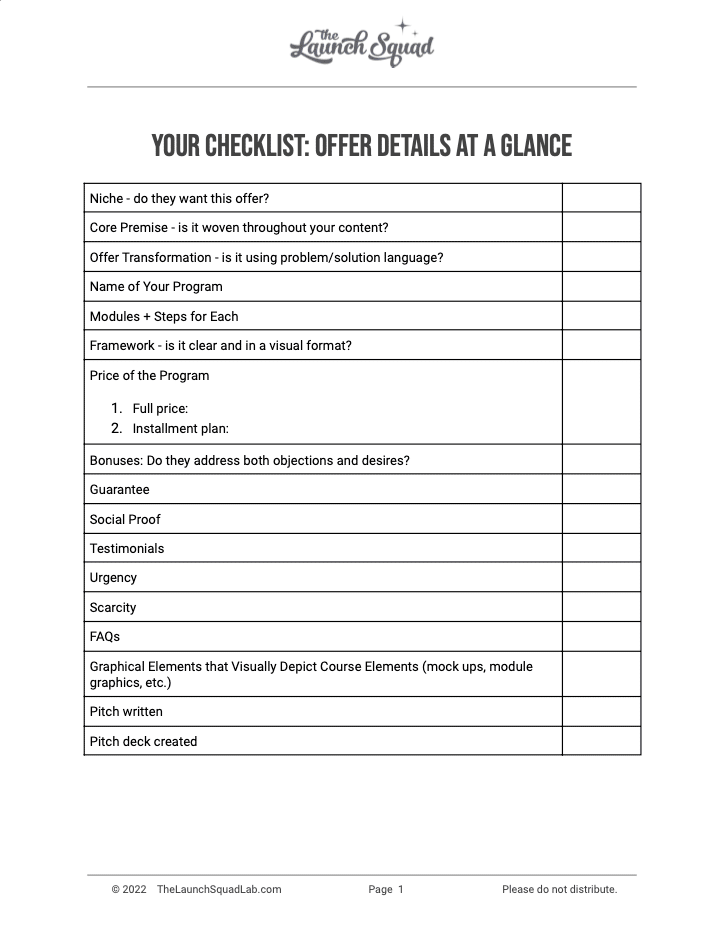


![[Updated] Email Templates for Launch](https://thecontentloop.co/wp-content/uploads/2023/05/Updated-Email-Templates-for-Launch.png "[Updated] Email Templates for Launch")
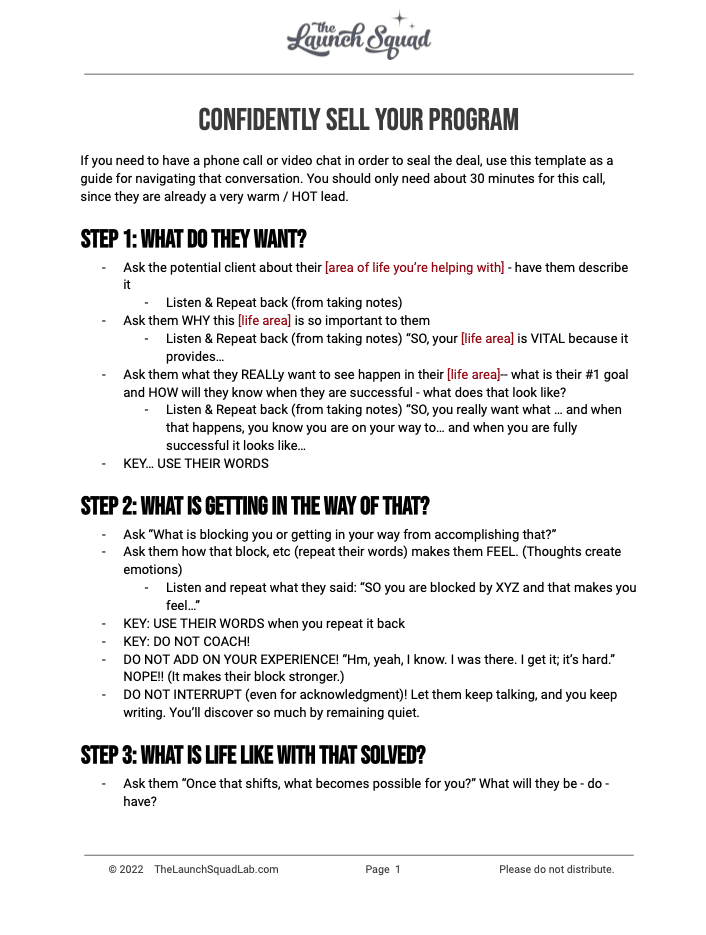
![[REVISED] LS Pitch Script](https://thecontentloop.co/wp-content/uploads/2023/05/REVISED-LS-Pitch-Script-2023.png "[REVISED] LS Pitch Script")