Planning your social media calendar can feel like a never-ending hamster wheel—especially when you’re juggling client calls, product launches, and that inbox that never sleeps. But what if you could turn one quick brainstorming session into a month (or more!) of ready-to-go post ideas? Enter ChatGPT: your AI-powered brainstorming buddy that helps busy entrepreneurs sketch, structure, and streamline social content faster than you can say “where’s my coffee?”
Why Pre-Planning Your Social Content Matters
-
Consistency builds trust. Posting regularly on social platforms signals reliability—your audience knows you show up.
-
Reduces decision fatigue. When you know what’s on the calendar, you spend less mental energy each morning wondering “What should I post today?”
-
Aligns with big-picture strategy. Mapping themes and campaigns in advance helps you tie each post back to your brand goals.
-
Frees up creative headspace. With the heavy lifting handled upfront, you can focus on engagement, experimentation, and (gasp) actually enjoying the process.
Meet ChatGPT: Your New Content Calendar Co-Pilot
ChatGPT isn’t here to replace your voice—it’s here to spark ideas, outline structures, and help you batch-generate prompts that you can refine in your own style. In just a few minutes, you’ll emerge with a robust list of topics, hooks, and formats ready for customization.
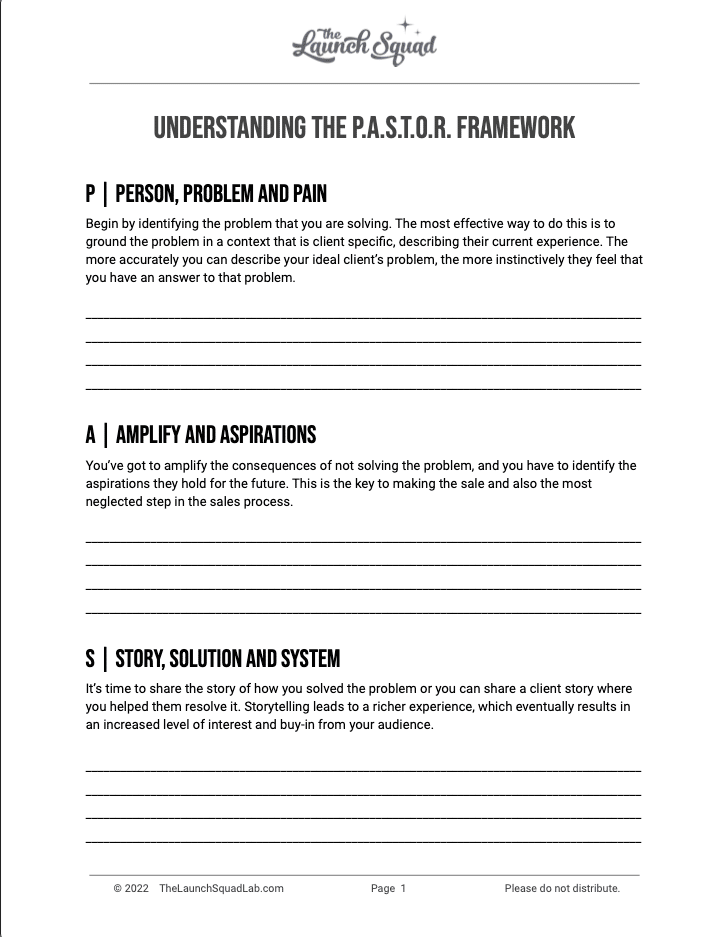
Step 1: Define Your Content Pillars
Before you dive into prompts, get crystal clear on the 3–5 main “pillars” that reflect your brand’s expertise and audience needs. Examples might include:
-
How-Tos & Tutorials (e.g., “5-minute stretch routine for desk-bound entrepreneurs”)
-
Behind the Scenes (e.g., “A day in the life of your product development”)
-
Client Success Stories (e.g., “How our coaching helped Sarah boost her productivity by 40%”)
-
Industry Insights (e.g., “Why micro-learning is the next big thing in online education”)
-
Quick Tips & Hacks (e.g., “Save hours every week with these keyboard shortcuts”)
Having these pillars lets ChatGPT stay on-brand and helps you sprinkle variety across your calendar.
Step 2: Craft Effective ChatGPT Prompts
The key to great AI-generated ideas is specificity. Try prompts like:
“I run a productivity coaching business for solopreneurs. Suggest 20 social media post ideas for May, organized by week, under the pillars: How-Tos, Behind the Scenes, Client Wins, Industry Insights, and Quick Tips.”
Or dive deeper:
“Generate 10 carousel post outlines about ‘time-blocking for creative entrepreneurs,’ each with a hook, 3–5 slide titles, and a call-to-action.”
Feel free to tweak:
-
Audience details: “for busy mom-entrepreneurs”
-
Platform style: “Instagram Reels ideas” or “LinkedIn text posts”
-
Tone guide: “in a friendly, conversational tone with a sprinkle of humor”
Step 3: Build Your Monthly Content Calendar
Once ChatGPT delivers your ideas:
-
Export the list into a spreadsheet or your favorite calendar tool.
-
Map posts to dates—aim for a balanced mix of your pillars each week.
-
Assign formats (static image, video, carousel, poll) so you can prep assets in batches.
-
Add captions and hashtags (you can even prompt ChatGPT to write draft captions based on each idea).
For example:
| Date | Pillar | Post Idea | Draft Caption Prompt | |
|---|---|---|---|---|
| May 1 | Quick Tips | “3 keyboard shortcuts that saved me 5 hours last week” | “Write a 5-slide carousel caption…” | |
| May 3 | Behind the Scenes | “Morning routine on coaching days” | “Draft a short, playful caption…” | |
| May 6 | Client Success Story | “How Jane hit $10K/month in 6 weeks” | “Write an inspiring caption celebrating…” |
Step 4: Refine, Customize, and Humanize
AI gives you the rough draft—your voice adds the soul. As you review each idea:
-
Inject personal anecdotes. Share a quick story that connects you to the topic.
-
Add branded language or catchphrases. Keep your unique flair front and center.
-
Tweak CTAs for real-world offers. Always guide your audience toward your next step (e.g., link in bio, free guide, discovery call).
Bonus Tips for Maximum Efficiency (with Less Work on Your Plate)
If you’re the kind of entrepreneur who’s already juggling 42 things (and maybe dropping a few), here’s the truth: you don’t have to do it all.
That’s exactly why we built The Content Engine—a plug-and-play solution that takes your raw ideas and turns them into fully written, designed, and scheduled social posts across multiple platforms.
Still like to dabble? Here’s how to stay efficient:
-
Batch brainstorm, then delegate. Use ChatGPT to generate a list of post ideas—then plug them into The Content Engine and let us do the rest.
-
Repurpose with purpose. One idea becomes a unique piece of content for each platform: LinkedIn, IG, and Facebook (and more!). The Content Engine handles this automatically, so nothing goes to waste.
-
Stay consistent without showing up daily. Your content queue stays full—even when your calendar doesn’t.
The bottom line? Let tech and a trusted team handle the posting, so you can focus on creating, coaching, or just taking a break.
Getting Started Today (Without Adding More to Your To-Do List)
Here’s how to go from “I don’t know what to post” to “My content is DONE” in one afternoon:
-
Define your content pillars (or better yet, let us help you clarify them inside The Content Engine setup process).
-
Pop open ChatGPT and generate your next 20 post ideas in minutes.
-
Drop those ideas into The Content Engine—we’ll turn them into ready-to-publish posts, complete with visuals, captions, hashtags, and scheduling.
-
Review and approve (or request tweaks—edits are built into the flow).
-
Celebrate your clear calendar and consistent content with zero last-minute stress.
You create. We handle the rest.
Want to see how it works? Book a quick call or get started with The Content Engine—and take social media off your plate for good.



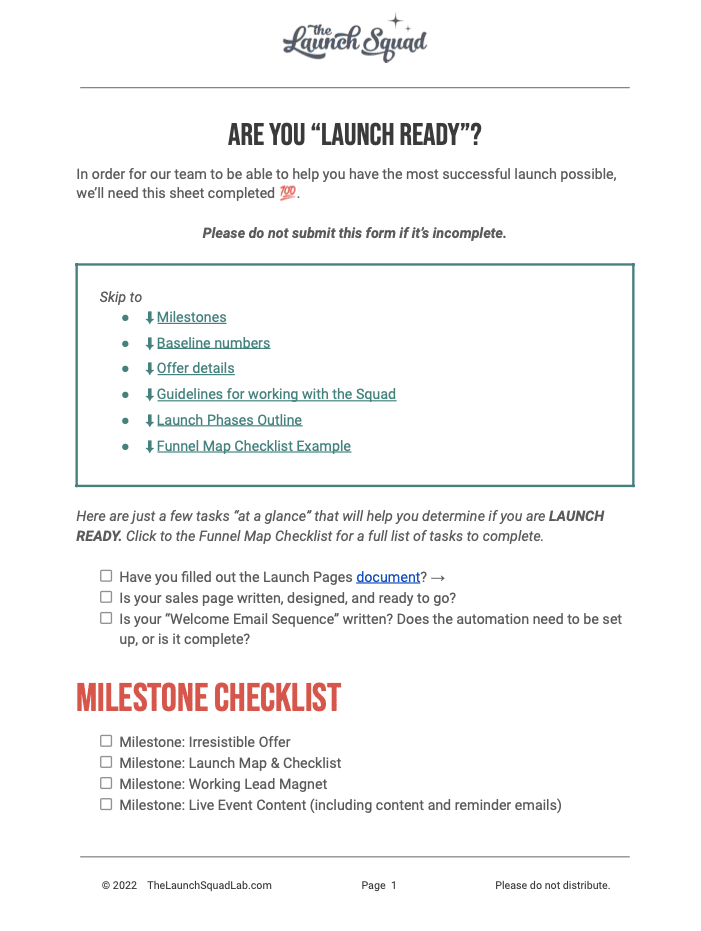


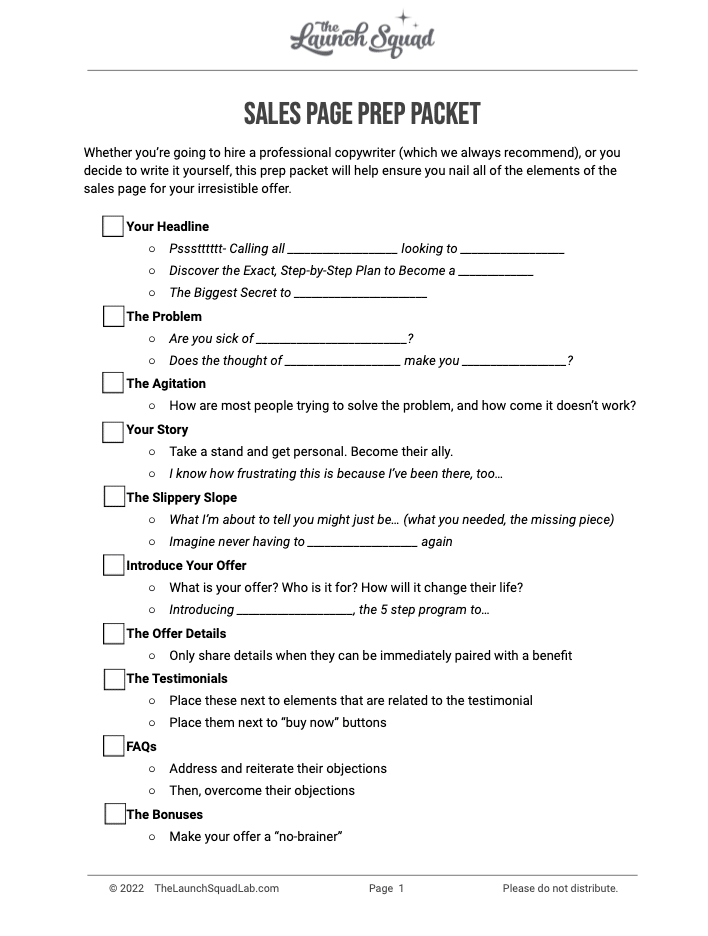
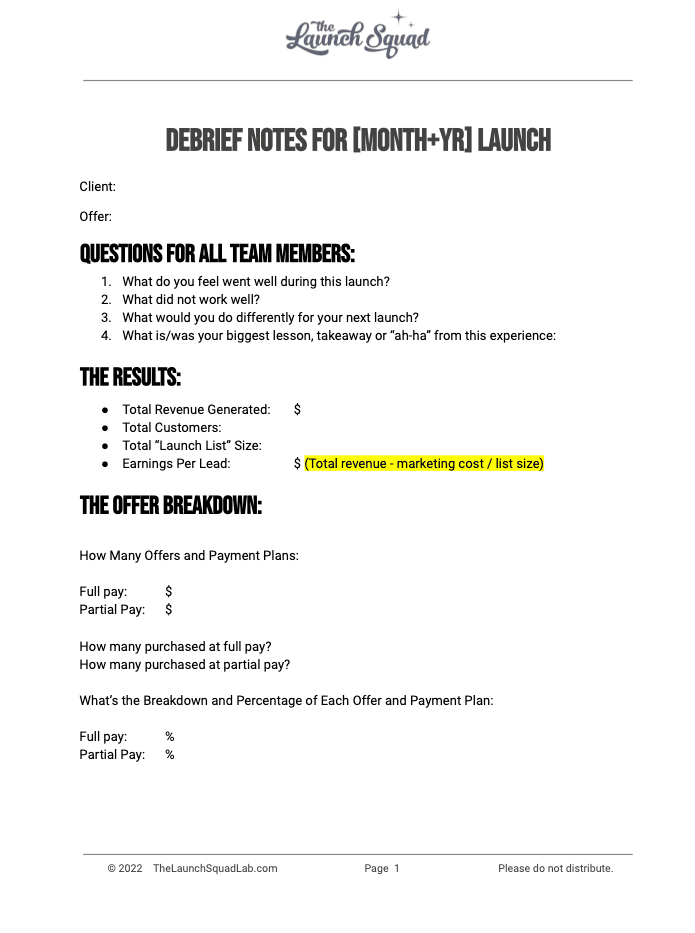

![Marketing Launch Calendar [TEMPLATE]](https://thecontentloop.co/wp-content/uploads/2023/05/Marketing-Launch-Calendar-TEMPLATE.png "Marketing Launch Calendar [TEMPLATE]")
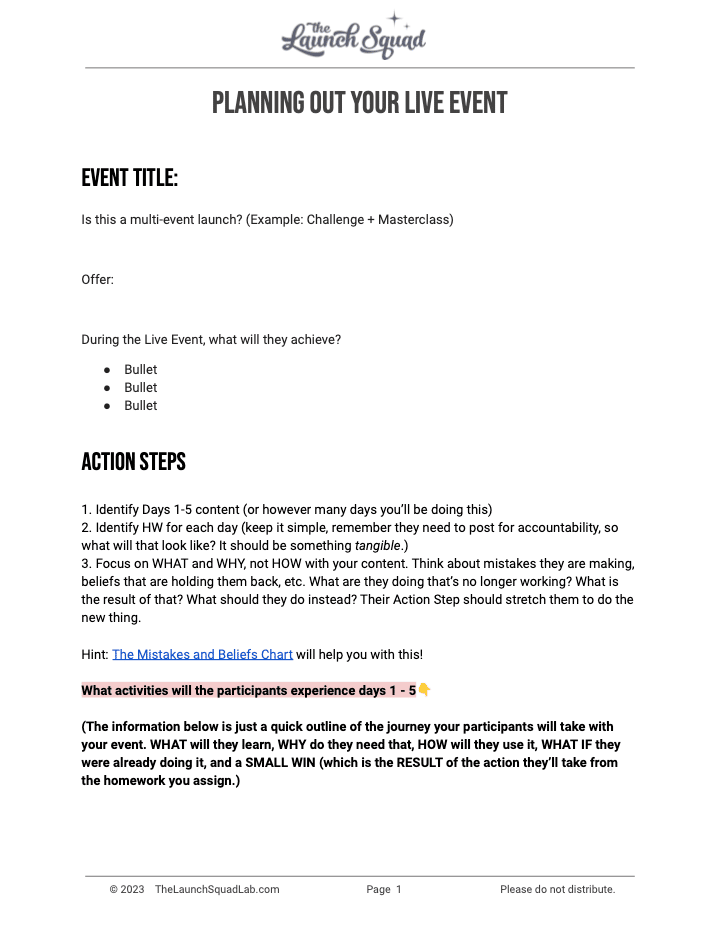


![[Updated] Email Templates for Launch](https://thecontentloop.co/wp-content/uploads/2023/05/Updated-Email-Templates-for-Launch.png "[Updated] Email Templates for Launch")
![[REVISED] LS Pitch Script](https://thecontentloop.co/wp-content/uploads/2023/05/REVISED-LS-Pitch-Script-2023.png "[REVISED] LS Pitch Script")